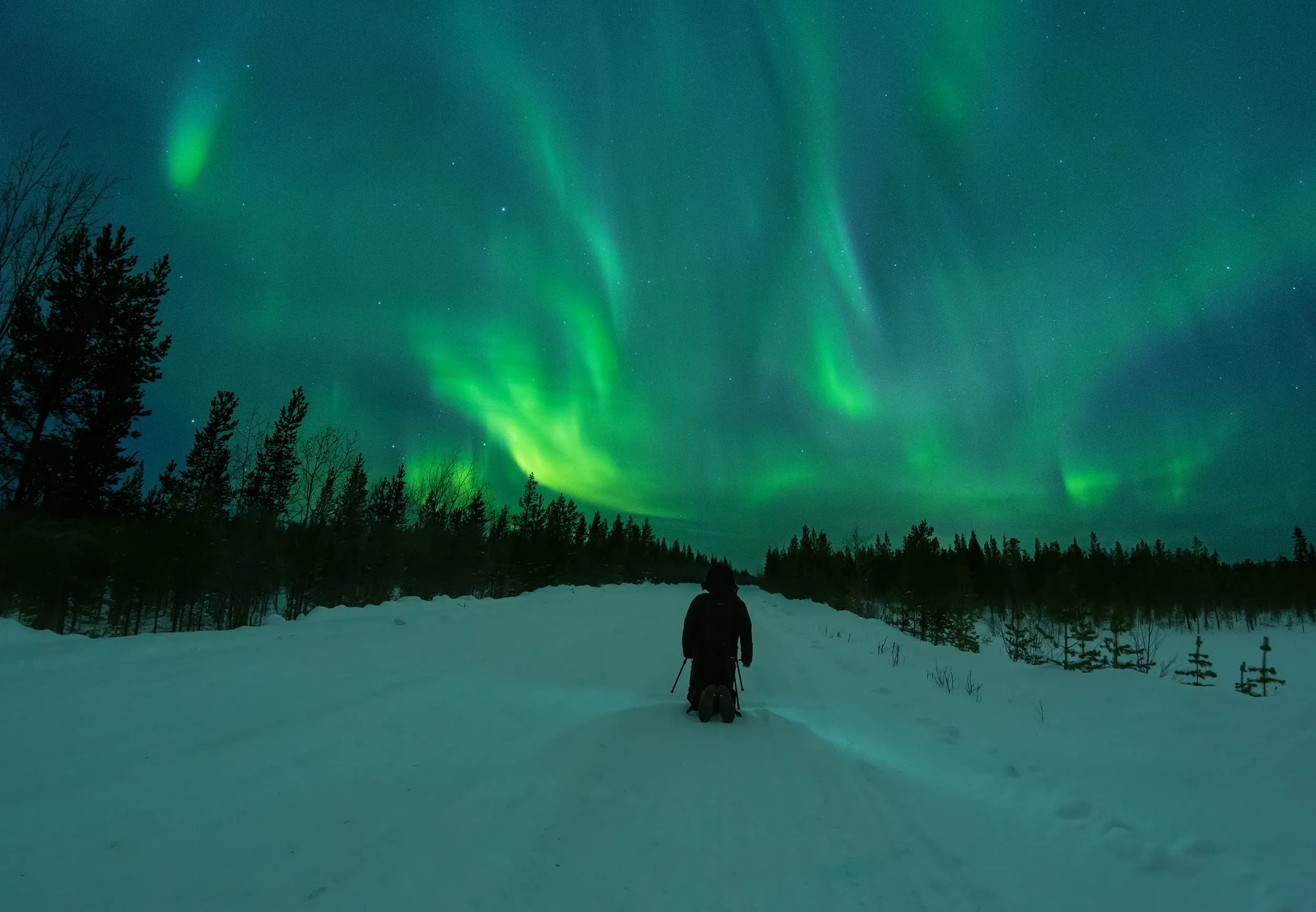
Your first night photographing aurora will be humbling — everything is harder in the cold and dark. But with the right settings and realistic expectations, you can get shots you'll keep forever.
There's a very specific feeling of arriving back at your hotel after your first aurora night, downloading your memory card, and seeing a screen full of blurry, dim, camera-shake disasters. It happens to almost everyone. Aurora photography is technically demanding, takes place in the cold and dark, and the aurora itself often moves faster than you expect. But the good news is that the core technique is simple once you understand a few principles, and modern cameras are significantly better at this than they were even five years ago.
Equipment You Actually Need
A mirrorless or DSLR camera with manual mode is essential. Smartphones have improved enormously — later iPhones and Google Pixels can capture aurora — but a dedicated camera with a wide-angle lens and manual exposure control will always produce better results.
The lens matters more than the camera body. A wide-angle lens in the 14–24mm range (full-frame equivalent) captures more sky and allows shorter exposures. More importantly, look at the maximum aperture: f/2.8 or wider is what you're after. A cheap kit lens at f/5.6 will give you acceptable shots in bright conditions but will struggle with fast-moving aurora.
- A sturdy tripod — wind and cold make cheap tripods unreliable. Carbon fibre handles cold better than aluminium.
- Spare batteries, kept warm in an inner pocket. Cold kills battery life dramatically — a full battery can die in 30 minutes at −20°C.
- A remote shutter release or the camera's built-in timer (2-second delay) to avoid camera shake at the moment of exposure.
- Extra memory cards. Aurora shoots accumulate files fast, especially if shooting RAW.
- Lens cloth for condensation when moving between cold and warm environments.
Camera Settings for Northern Lights
Set your camera to full manual mode. These are the three starting point settings you'll adjust from there:
- ISO: Start at 1600–3200. Higher ISO captures more light but adds grain (noise). Modern cameras handle ISO 3200 cleanly; older ones may not. Test before your trip.
- Aperture: As wide as your lens allows. f/1.8 or f/2.0 if you have it; f/2.8 is the practical working minimum for aurora. Never stop down (f/5.6, f/8) for aurora unless you're trying to get star pinpoints.
- Shutter speed: Start at 8–15 seconds. Longer exposures collect more light but blur moving aurora. If the aurora is moving fast, go shorter (5–8 sec) at higher ISO. If it's a slow, stable arc, go longer (15–25 sec) at lower ISO.
Set your focus to manual and focus on a distant point — a bright star, a mountain, or the horizon. Autofocus struggles in the dark and will hunt endlessly. Use live view zoomed in on a bright star to nail focus, then tape the focus ring so it doesn't shift in the cold.
Composition: Think Beyond the Sky
The most common beginner mistake is pointing the camera straight up and filling the frame with aurora and nothing else. The result looks like a screensaver. The photographs that stop people scrolling are ones with a compelling foreground — a frozen lake, a mountain silhouette, a cabin with warm window light, snow-covered trees, a boat in a harbour.
Get to your location before the aurora starts and scout foregrounds while there's still some light. Identify reflective surfaces (water, ice), interesting shapes on the horizon, and any artificial light sources that might add warmth without overwhelming the scene. The golden rule: if the foreground isn't interesting in daylight, it won't save an aurora shot either.
Dealing With Cold
Camera batteries drain rapidly in cold. Carry at least two batteries — three if you're going out for more than two hours. Keep spares in an inner chest pocket against your body to maintain temperature. When you switch batteries, your hands will be cold and the battery slot will be stiff — practice the battery swap at home so it's automatic.
The biggest gear-killer isn't cold itself but the transition between cold and warm. When you bring a camera from −20°C into a warm building, condensation immediately forms on and inside the lens and sensor. Seal the camera in a plastic bag before coming inside and leave it in the bag for 30 minutes until it reaches room temperature. Then open the bag and let it breathe before removing the camera.
Can You Photograph Aurora With a Phone?
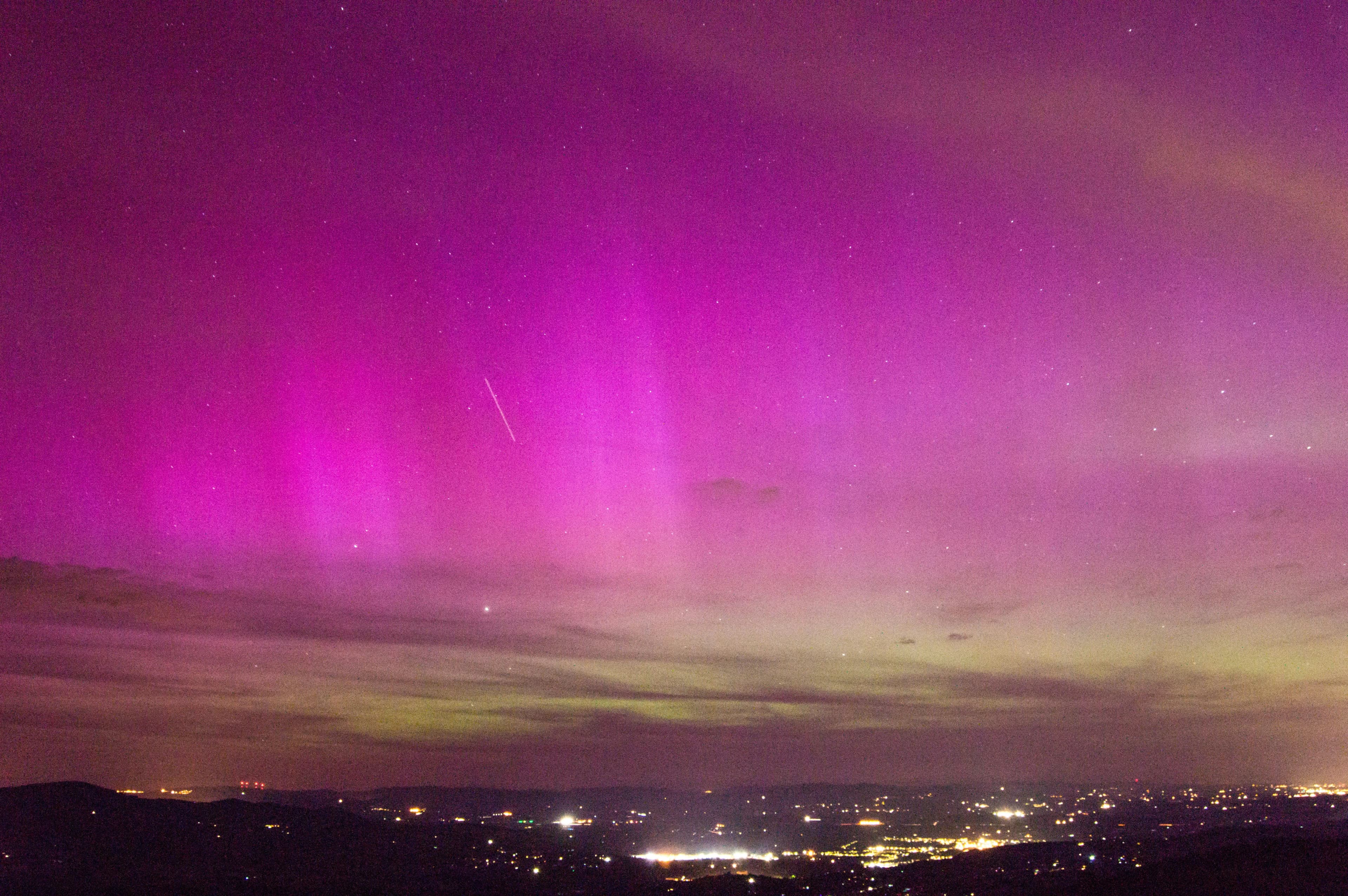
Recent flagship phones — iPhone 15 Pro, Pixel 8 Pro, Samsung S24 Ultra — have night modes capable of capturing aurora, especially during active displays. iPhone 15 Pro added an explicit aurora mode in iOS 18. The results won't match a dedicated camera with a wide-angle lens, but they're significantly better than people expect. For sharing on social media, a modern phone can produce genuinely impressive aurora images.
Use your phone's Pro or manual mode if available, set a 3–10 second exposure, and rest the phone on a flat rock or use a mini tripod. Hand-holding any exposure longer than a second produces blur. The same foreground composition rules apply.
Processing Your Aurora Photos
Shoot RAW if your camera supports it — RAW files contain significantly more data than JPEGs and give you much more room to adjust exposure, recover highlights, reduce noise, and correct white balance in post. In Lightroom or Capture One, the most useful adjustments are: increase shadows to reveal detail in the foreground, reduce highlights if the aurora has blown-out areas, and apply noise reduction at the highest ISOs.
Avoid over-processing. The temptation is to push saturation until the image looks like a painting — but aurora photographs with natural colour and some visible grain are often more powerful than heavily processed composites that look artificial. Let the scene speak for itself.
Frequently Asked Questions
Check the live Northern Lights forecast on PolarForecast — KP index, solar wind, cloud cover, and viewing probability updated in real time.
Check live forecast →